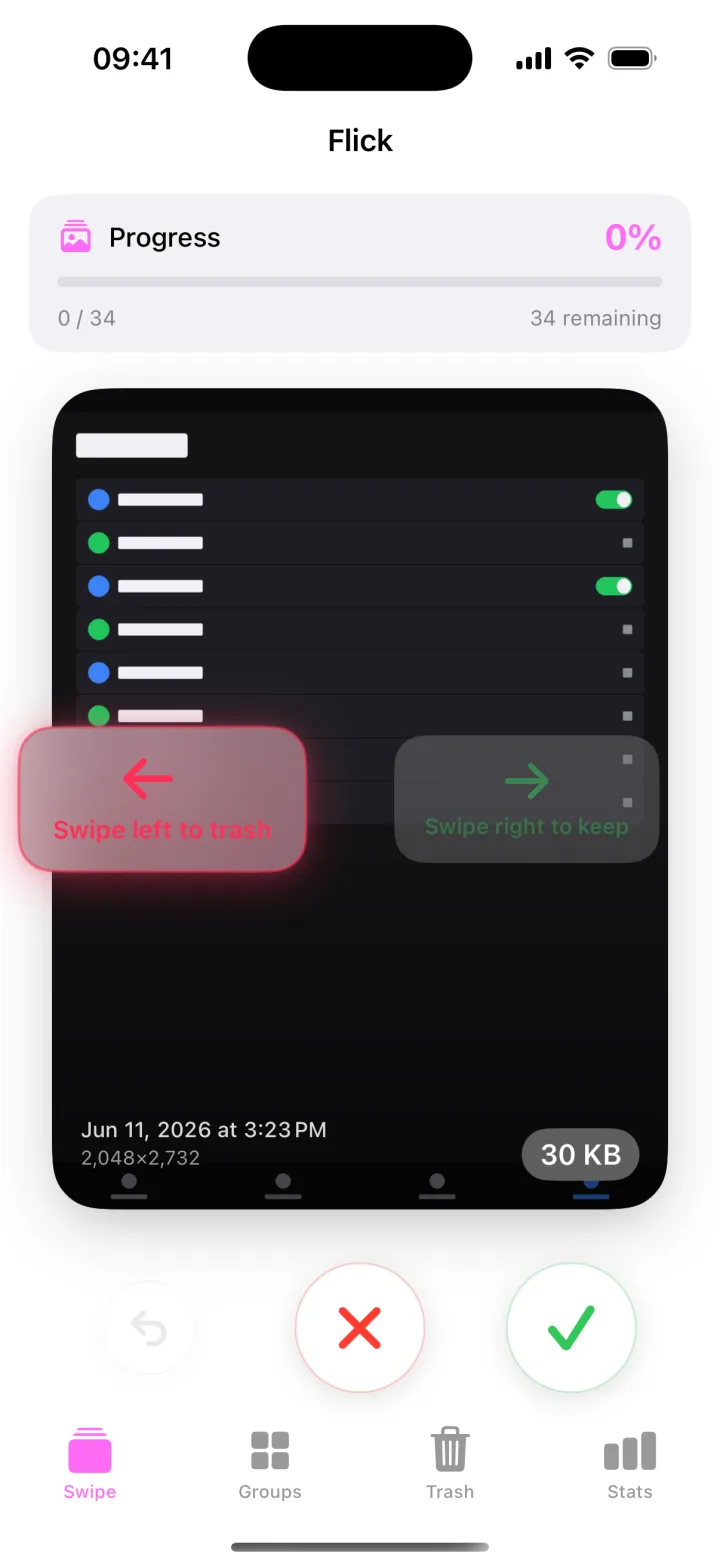
Flick

FLICK · APPLE & HARMONYOS

Too many photos?
Take them one at a time.

Swipe right to keep, left to stage for deletion. Compare similar shots, then confirm.
A native photo cleaner for Apple and HarmonyOS.

APPLE / HARMONYOS

Choose your platform

HarmonyOS

For HarmonyOS

Native HarmonyOS photo cleanup, with photo groups, month sorting, service widgets and Xiaoyi shortcuts.

Explore HarmonyOS →Coming soon · AppGallery
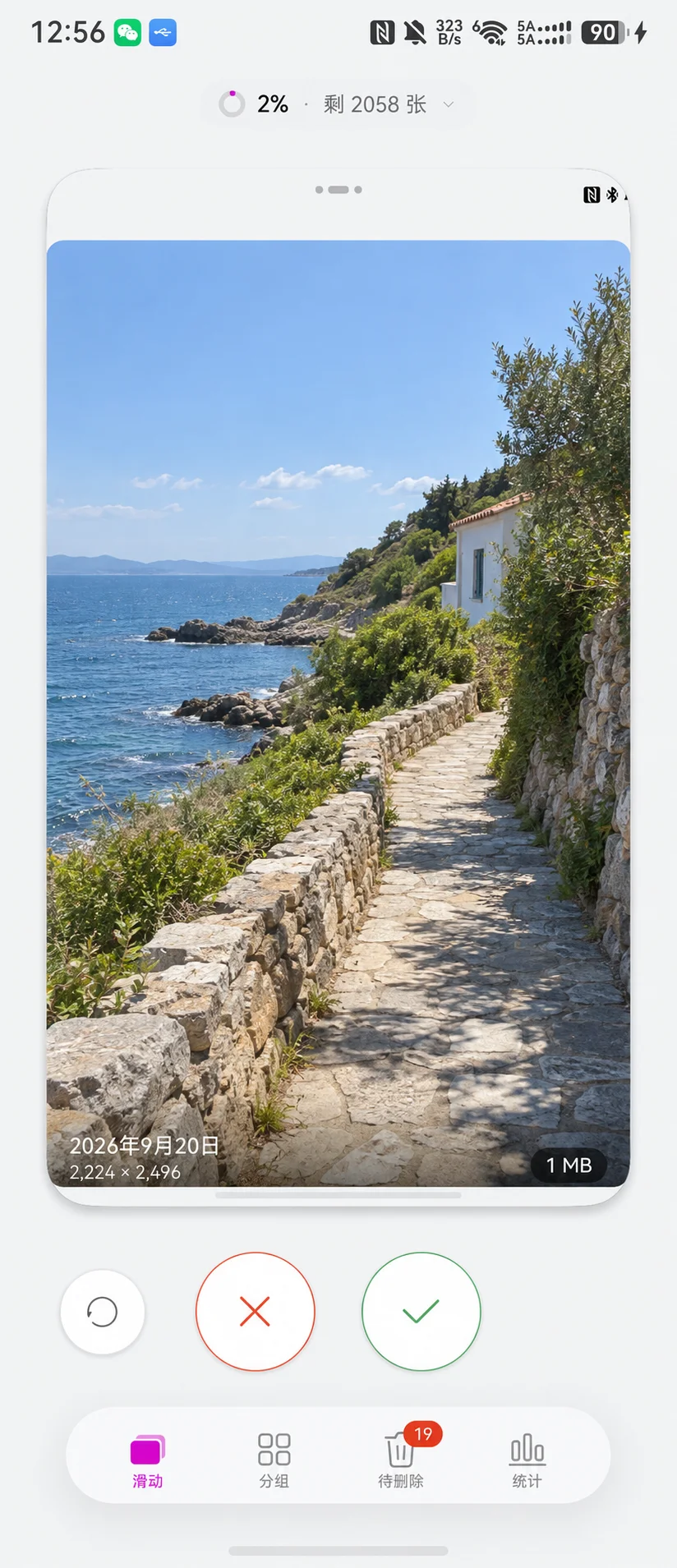
Flick · HarmonyOS

A clear path from choosing to deleting

01

Review one at a time

Swipe right to keep, left to stage. Undo a swipe if you change your mind.

02

Compare together

Review screenshots, bursts, identical, similar and possibly blurry photos in groups.

03

Confirm before deleting

Check the photos, count and size in Pending before confirming deletion.

FLICK PRO

Buy and restore through each platform’s store

Flick Pro is a one-time purchase. Apple and HarmonyOS purchases are separate; the price shown by each store applies.

Photo scanning, grouping, previews and staging are free. Free photo deletion has a lifetime allowance of both 20 photos and 100 MB; exceeding either requires Pro.

ON-DEVICE

Photo analysis happens on your device

No Flick account, advertising or behavioral tracking. Cloud originals and purchases use the platform’s system services.

Read the privacy policy →